
CBSE 12th Results 2026 Out @cbseresults.nic.in, How and Where to Check?
Home / Informative / CBSE 12th Results 2026 Out @cbseresults.nic.in, How and Where to Check?
The results of the Central Board of Secondary Education’s (CBSE) Class 12th board examinations for 2026 are available on the board’s official website released on the 13th May around 1:20 pm. The direct link to check the CBSE 12th result 2026 is cbseresults.nic.in. After entering their roll number, date of birth, and other information on the CBSE results portal, students may access their scores. When the result appears on the screen, students can download it or take a screenshot. Additional options include DigiLocker, the UMANG app, the IVRS (Interactive Voice Response System), and SMS.
The overall pass percentage was 85.20%, a decrease of 3.19 percentage points from the previous year. The evaluation procedure took place after the CBSE Class 12 board exams, which took place from February 17 to April 10.
How to check CBSE 12th Result 2026?
Students will have access to their CBSE 12th result 2026 by websites given below:
Additionally, visit the official website to view the CBSE class 12 results for 2026.
How to Download the CBSE 12th Result 2026?
- Go to results.cbse.nic.in, the official website.
- Click the “CBSE Class 12th Result 2026” link.
- Enter your admission card ID, school number, and roll number.
- The scorecard can be viewed, downloaded, and printed for later use.
How Can I Use DigiLocker to View the CBSE 12th Result 2026?
- Go to the DigiLocker results page.
- Use an Aadhaar-linked account or a registered cell phone number to log in.
- Look up “CBSE Class 12 Result 2026.”
- Enter the necessary roll number information.
- Save the digital marksheet for later use after downloading it.
Students who haven’t enrolled in DigiLocker can do so by creating login credentials and completing the mobile OTP verification.
How Can I Use the UMANG App to View the CBSE 12th Result 2026?
- Install and download the UMANG app.
- Locate the CBSE section by opening the application.
- Enter the necessary login information.
- Carefully enter the roll number and centre number.
- View the scorecard PDF and download it.
How to Check CBSE 12th Result 2026 through SMS?
For students without internet connection, CBSE has now made an SMS service available.
- Open the messaging app on your phone.
- Enter the message using the format specified: type “CBSE12” followed by a space and the roll number, and send it to 7738299899.
- Carefully check every detail that was entered.
- Send the SMS to the official CBSE result service number that the board has designated.
For more updates and announcements, continue to check the official website.
How to use the IVRS function to view the CBSE Class 12th Result 2026?
To know the board results via the IVRS capability, follow these steps:
- Dial 24300699 to reach the CBSE IVRS helpdesk. Before dialling, students from outside of Delhi should prefix the number with 011.
- Select your desired language and follow the automated voice instructions.
- When asked, use the keypad to enter the necessary information, such as the school code and roll number.
- Subject-wise grades and the overall result status will thereafter be announced over the call by the system.
- The average call fee for using the IVRS capability to retrieve results is about 30 paise per minute per roll number.
- For more updates and announcements, continue to check the official website.
Scored 50% or above? Know What to do after CBSE 12th result go to the Geeta University that offers direct admission for 2026 across Engineering, Management, Pharmacy, and Law programs, along with opportunities for up to 100% scholarship via GUTS — no entrance exam required. Apply Now!
Frequently Asked Questions
Yes, the CBSE board has officially declared the result on 13th May at around 1:20 pm. Students can check their results through the direct link cbseresults.nic.in (Active).
Download and install the Umang app, then navigate to the CBSE section, enter the required information like roll number and center code. Now, students can view & download.
To check the DigiLocker CBSE result 2026 for class 12th, open the DigiLocker app or website and navigate to the result section. Log in with an Aadhaar-linked account or registered mobile number. Enter the roll number and hit enter; the result is on the screen.
To pass the examination, students must secure 33% in each subject. The separate passing marks of 33% are further required for both theory and practical examinations, which is 70:30 for the science field, and 80:20 for commerce and arts
No, to ensure healthy competition among students, the CBSE has stepped back from publishing the toppers list for all India and the topper list for individual states. Thus, CBSE is not expected to publish any sort of toppers list.
Related Blogs

B.Sc. Nutrition vs. B.Sc. Nursing: Which is Better?
Selecting the best healthcare program following 12th grade can be a challenge, particularly when trying…

INDIA’s FIRST UNICORN START UP HEADED BY WOMEN
INTRODUCTION Falguni Sanjay Nayar, popularly known as Falguni Nayar, is the CEO and Founder of…
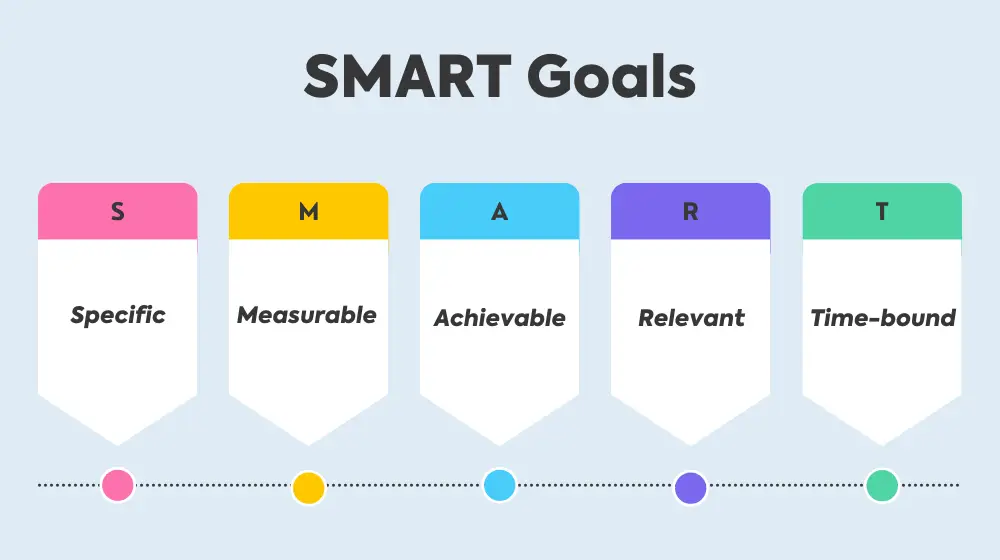
Goal setting for students : Applying SMART goals in academic and personal life
Students are given the ability to alter their academic and personal trajectories through the development…
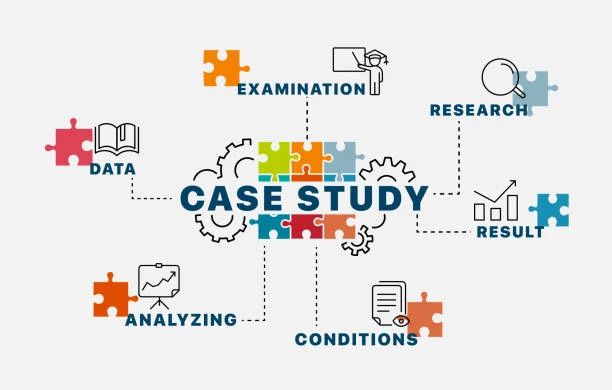
Mastering the Art of Case Study Analysis
Case studies serve as microcosms of real-world scenarios, allowing individuals to apply theoretical knowledge to…

Top Courses with 100% Placement Opportunities in 2026 | Best Job Guaranteed Programs
The top courses with 100% placement opportunities in 2026 include Artificial Intelligence, Data Science, Cybersecurity,…

Geeta University’s Flexible CBCS, Industry Programs & Placement Support Prepare Students for the Future
Higher education is no longer limited to rigid degree structures and traditional subject combinations. Today’s…